Getting Started with cURL
How to send requests and understand responses with cURL
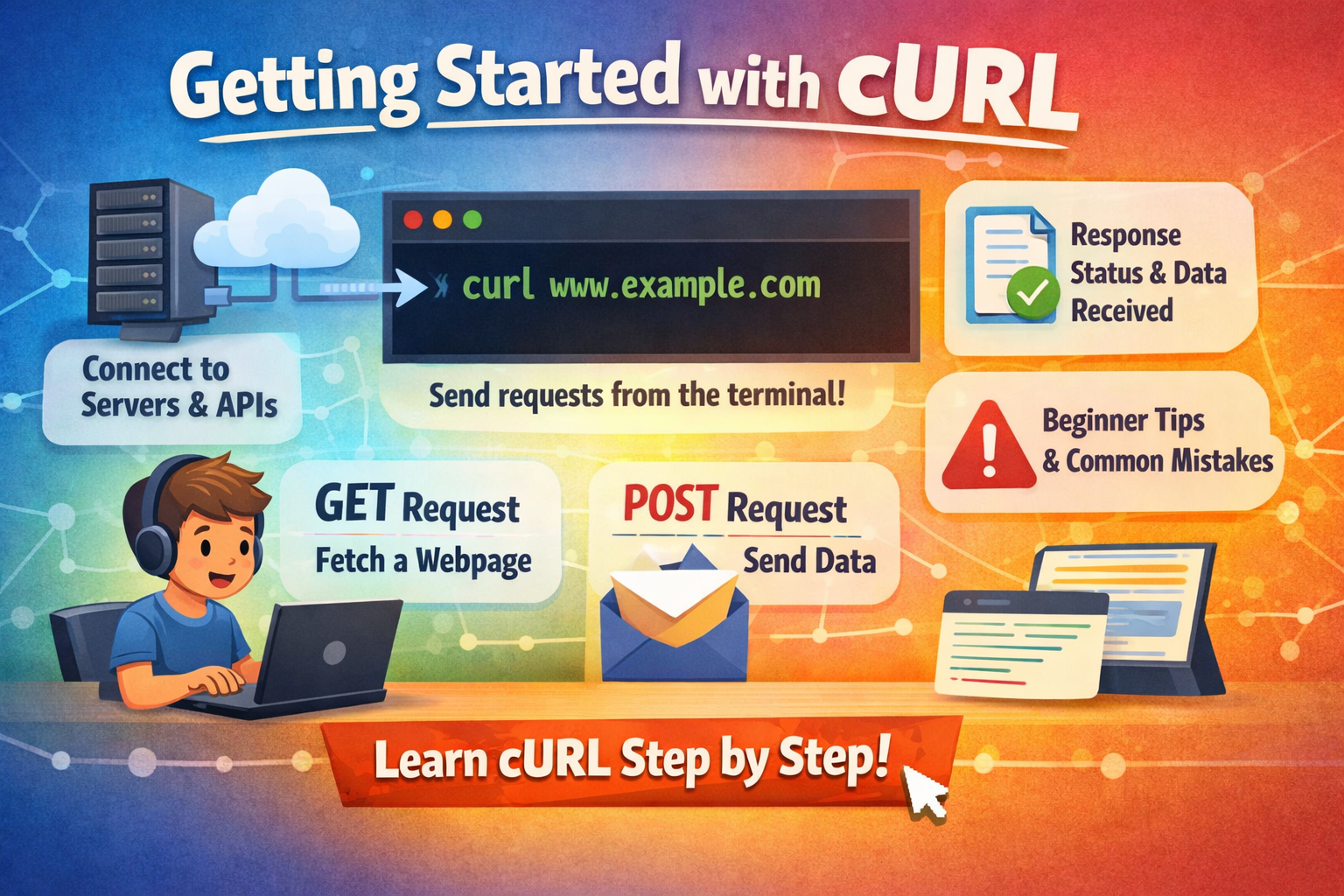
Before we talk about cURL, let’s get one thing clear:
A server is just a computer that waits for requests and sends back responses.
When you open a website or use an app, your device is sending a request to a server.
cURL is a simple way to send those same requests from the terminal — without writing any code.
What is cURL (in very simple terms)?
cURL is a command‑line tool that lets you talk to a server by sending a request and getting a response.
Think of it like texting a server:
You send a message (request)
The server replies (response)
It’s not fancy, but it’s extremely useful.
Why programmers need cURL
cURL is useful because it’s fast, direct, and works on almost every system.
You can use it to:
check if a server is working
test an API without writing code
inspect what the server is actually returning
debug problems quickly
learn how HTTP really works
When something breaks, cURL is often the first tool developers reach for.
Making your first request using cURL
The simplest command just fetches a webpage:
curl https://amazon.com
That’s it.
You just asked the server for the page, and it replied with the HTML.
If you see a bunch of tags in your terminal, that means it worked.
Understanding request and response (simple view)
Every HTTP request has two parts:
Request: what you ask the server for
Response: what the server sends back
A response usually includes:
a status code (like 200 for success)
data (HTML, JSON, etc.)
If the response data looks messy, that’s normal — it’s raw output.
Using cURL to talk to APIs
APIs are just servers that return data instead of full web pages.
You’ll see JSON. That’s the API response.
Once you can do this, you already know the core idea of using cURL with APIs.
GET vs POST (only the basics)
GET = ask for data
POST = send data
Example GET: curl https://api.example.com/users
Example POST (simple form data): curl -X POST https://api.example.com/users -d "name=Ali"
You don’t need to memorize lots of flags yet.
Start with these two and build from there.Common mistakes beginners make
Here are a few easy traps (everyone hits them):
Forgetting https://
curl amazon.com might fail. Always include the full URL.Copying URLs with extra spaces
One extra space breaks the command.Expecting a pretty webpage
cURL shows raw output, not the styled page.Using too many flags too early
It’s okay to keep it simple. Add flags only when you need them.
Where cURL fits in backend development
Backend work is all about communication between systems.
cURL helps you test that communication directly.
It’s like a manual version of what your backend code does every day:
send a request
receive a response
handle errors
When you understand cURL, APIs and debugging get much easier.
Diagrams -cURL → Server → Response flow
Browser request vs cURL request (conceptual)
Final Thought
cURL isn’t complicated — it’s just a simple way to talk directly to servers.
If you can make one GET request, you’re already using it correctly.
